Editing an email campaign
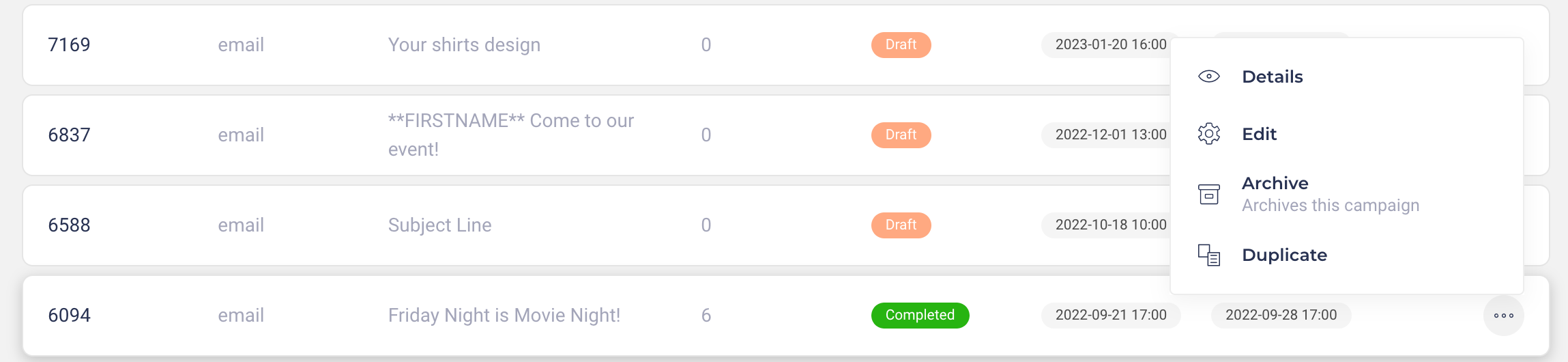
Every campaign can be edited, duplicated or archived. Simply head to Communicate > Campaign Manager to get started. Here, locate the campaign you wish to modify and click on the three dots under the Actions tab. Then, select the desired action:
Edit: Adjust the content of your email campaign at any time. Once saved, the changes will apply immediately, affecting all subsequent emails sent to new recipients on your list.
Duplicate: Want to reuse a successful campaign with a few tweaks? Duplication allows you to replicate the campaign, making it easy to adjust and launch again.
Archive: Choose to archive a campaign to remove it from your campaign dashboard.
Please note, this action is permanent and cannot be undone.
Was this helpful?
Still need help? Ask the team