Managing the Event Calendar
Any event created by you or your clubs (and approved, if you’ve enabled the Event Approval module) will automatically appear in the Event Calendar.
From your portal, head to Governance > Event Calendar. The top section displays all upcoming events in a calendar view. Scroll down to view a dashboard with event insights including:
Club name
Club category
Total number of events – organised across the year
Attendance rate – based on the number of tickets scanned at the door
Ticket sales – total value of tickets sold this year
Latest event
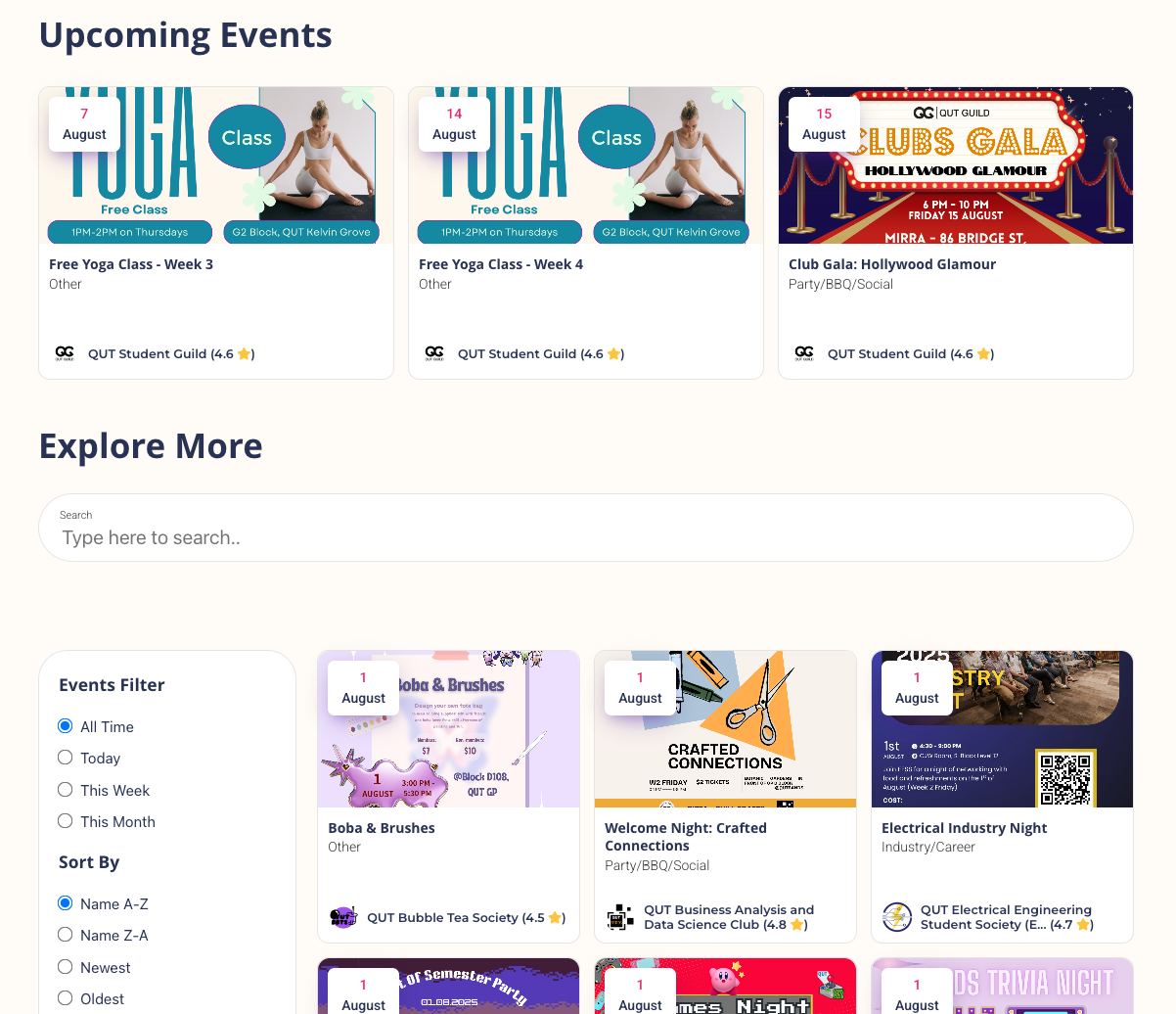
How can I add the Event Calendar to my website?
Login to your account, click the top-right icon, and head to Settings. From the left-hand menu, select iFrame Customisation. You’ll find the embeddable code for your Event Calendar.
Once added to your website, students will be able to explore events, and buy tickets directly.
Was this helpful?
Still need help? Ask the team