Improved Case Management Module

We've made several improvements to the Case Management module to make managing cases faster and more intuitive.
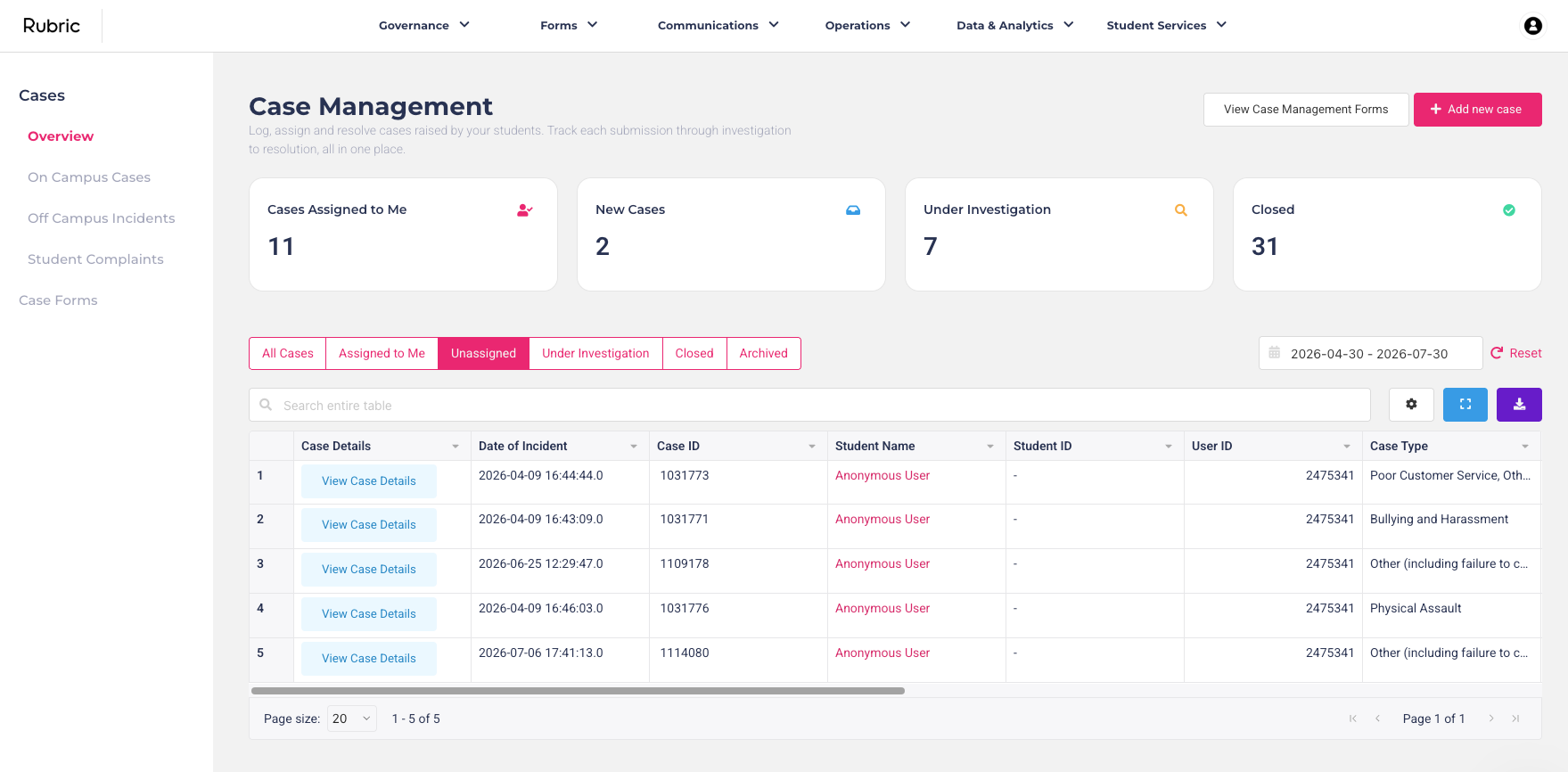
Focus on one case form at a time
Case Management now includes a new side menu that displays all of your case forms. Rather than working from one large combined list of every case across your organisation, you can now select a specific case form and work within a dedicated view for that form.
This makes it much easier to navigate between different case types and stay focused on the information that's relevant.
Office use only fields are now visible in the case list
One of the biggest improvements is that Office Use Only fields now appear as columns in the case table.
Previously, if you wanted to see information such as the assigned caseworker, outcome, priority, or any other internal fields, you had to open each case individually. Now that information is visible directly in the table, making it much quicker to review, sort, filter, and export your cases.
These improvements are now live on your instance and are ready for your team to start using.