Changelog

Follow new updates and improvements to Rubric.

Improved Clubs Profile

We've redesigned the Club Profile page from the ground up. It's now the one place to see how a club is doing, manage its executive team, review its paperwork and handle its money, without bouncing between pages.

Whats new

Events, Memberships and Merchandise now each have their own tab with key numbers and a detailed list, and events can also be shown as a calendar. Funding, bank details, payout schedules and settlement history sit together under Finance, with charts comparing this year with last year and with the campus average. In Documents, you can generate documents from templates and upload and organise files for the club in folders.

Page load times have been reduced dramatically, so even the busiest clubs open in moments. When you open a club, headline cards show its events, members, merchandise and executive team, each compared with the last affiliation period. You can rename the club, update its type or tags, and manage the exec team and staff notes on the same screen. A new Actions menu at the top of the page puts everyday tasks one click away, such as adding an exec, generating a document or updating bank details.

Why this change matters

  • Less time waiting. Faster load times mean you spend your time working with clubs, not watching pages load.

  • One page, the whole picture. Events, members, merch, money, forms and files are all on one page, so you don't have to search across the portal.

  • Spot issues early. Comparisons with last year and "oldest pending" indicators show which clubs need attention before small issues grow.

  • Fewer clicks for everyday tasks. Common jobs like adding an exec, updating bank details or generating a document are now one or two clicks away.

  • Better records and handovers. Exec history, staff notes, settlements and shared files are all kept in one place, so it's easier to pick up where a colleague left off.


The new Club Profile is live now. Open any club to explore it, and let us know what you think. Your feedback helps shape what we build next.
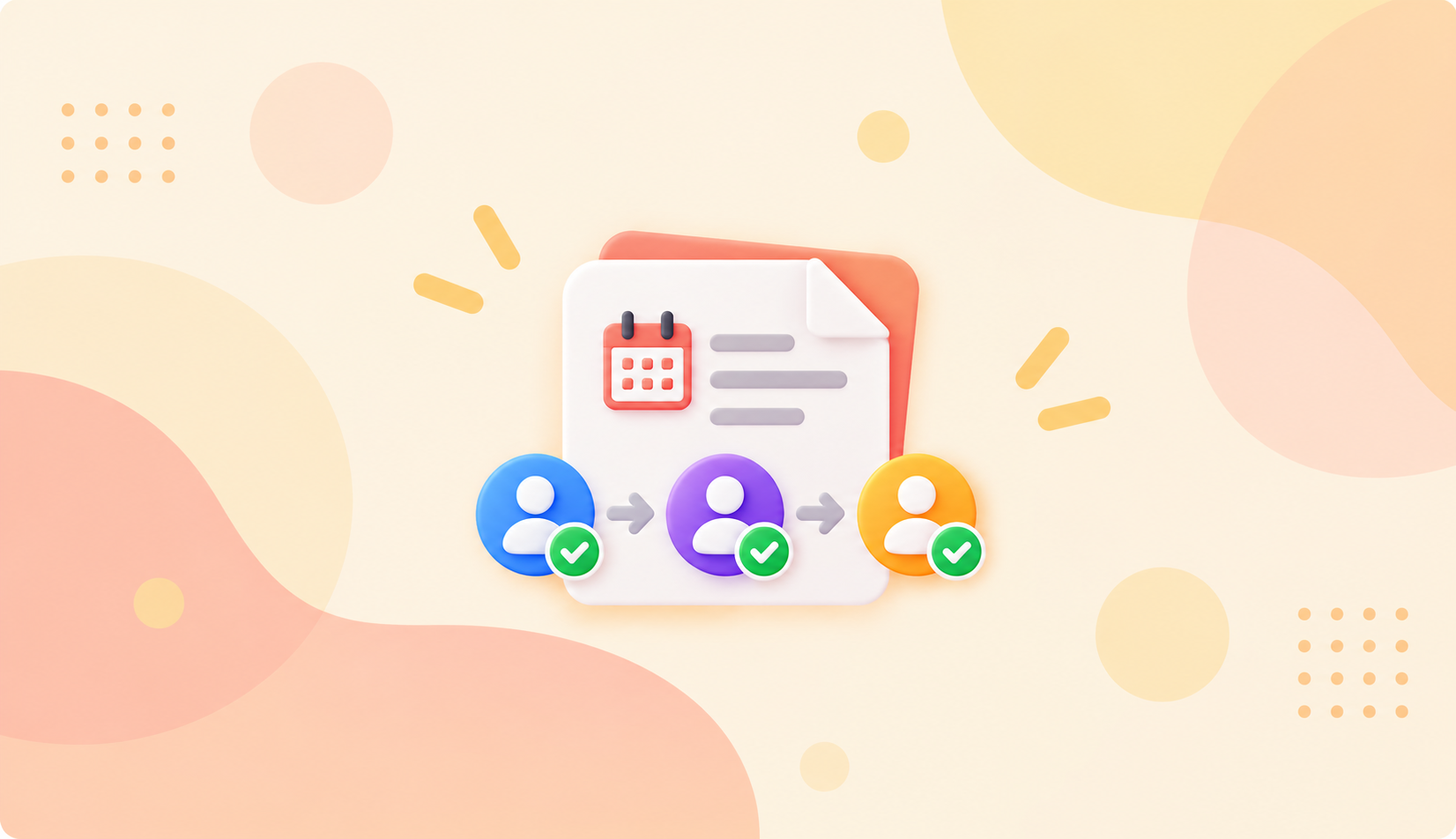
Multi-User Approvals Now Available for Events

Managing event approvals just got more flexible.

Multi-user approvals are now supported as part of the event approval flow, allowing Unions to configure multiple approvers and organize their event approval process into stages. This makes it easier to involve the right people in reviewing events before they are approved.

Configure your approval workflow

To configure multi-user approvals for an event, go to Event Management, select Edit Event Questions, and navigate to Settings → Workflow & Approvals. From there, enable Multi User Approval to set up approval stages and assign approvers to each stage.


Flexible approval stages

Each approval stage can include multiple approvers. By default, only one approver within a stage needs to approve the submission for it to progress to the next stage.

You can also enable Enforce Approval Stage Order to ensure submissions are reviewed in sequence, with each stage completed before the next one begins.

Track approvals and submission status

Approvers can review event submissions and approve or deny them directly through the submission management interface.

The status displays the current approval progress, including the number of approvals received and the assigned approvers, making it easier to track which submissions are still awaiting review.


Useful for managing event approvals

  • Multiple approvers: Assign several people to review an event at each stage.

  • Staged workflows: Organize approvals across different teams.

  • Sequential approvals: Require stages to be completed in order when needed.

  • Email notifications: Notify approvers when they need to review a submission.

  • Approval tracking: See the current status and progress of event approvals.

Multi-user approval can only be enabled for event approvals that require a form submission.

Preview Your Email Recipients Before Sending

Knowing exactly who will receive your email just got a whole lot easier.

We’ve introduced a new recipient preview on the email creation page, allowing you to review the complete recipient list before sending a campaign. You can now see exactly who your email will reach, making it easier to verify your audience and ensure your campaign is targeting the right people.

See your complete recipient list

When creating an email, select View recipients button next to the Recipient list heading to open a side panel displaying all recipients included in your campaign.

The recipient list shows each recipient’s name and email address, giving you a clear overview of your audience in one place.


Easily review and search recipients

The recipient panel makes it easier to inspect your audience before sending an email. You can search the recipient table to find specific recipients and review their details without leaving the email creation page.

This is especially useful when your recipients are selected dynamically, where the final recipient list depends on your chosen category, filters, and tags.

Understand how recipient counts work

Recipient lists can change over time as people match or stop matching your selected filters. Here’s what to keep in mind:

  • Email campaigns: The total recipient count can change during the campaign as people begin or stop matching your filters.

  • Email blasts: The recipient preview shows a snapshot of the current recipient list. The final recipient list is determined when the blast sends, based on who matches your filters at that time.

This helps you understand that the preview reflects the current audience, while the final recipients may differ depending on when the email is sent.

Useful for reviewing email campaigns

  • Verify your audience: Confirm that the intended recipients are included before sending your campaign.

  • Check recipient details: Review names and email addresses to identify unexpected or missing recipients.

  • Review filtered lists: See who is included after selecting categories, filters, and tags.

View Recipients is live now!

Earlier updates