Forms Manager Overview
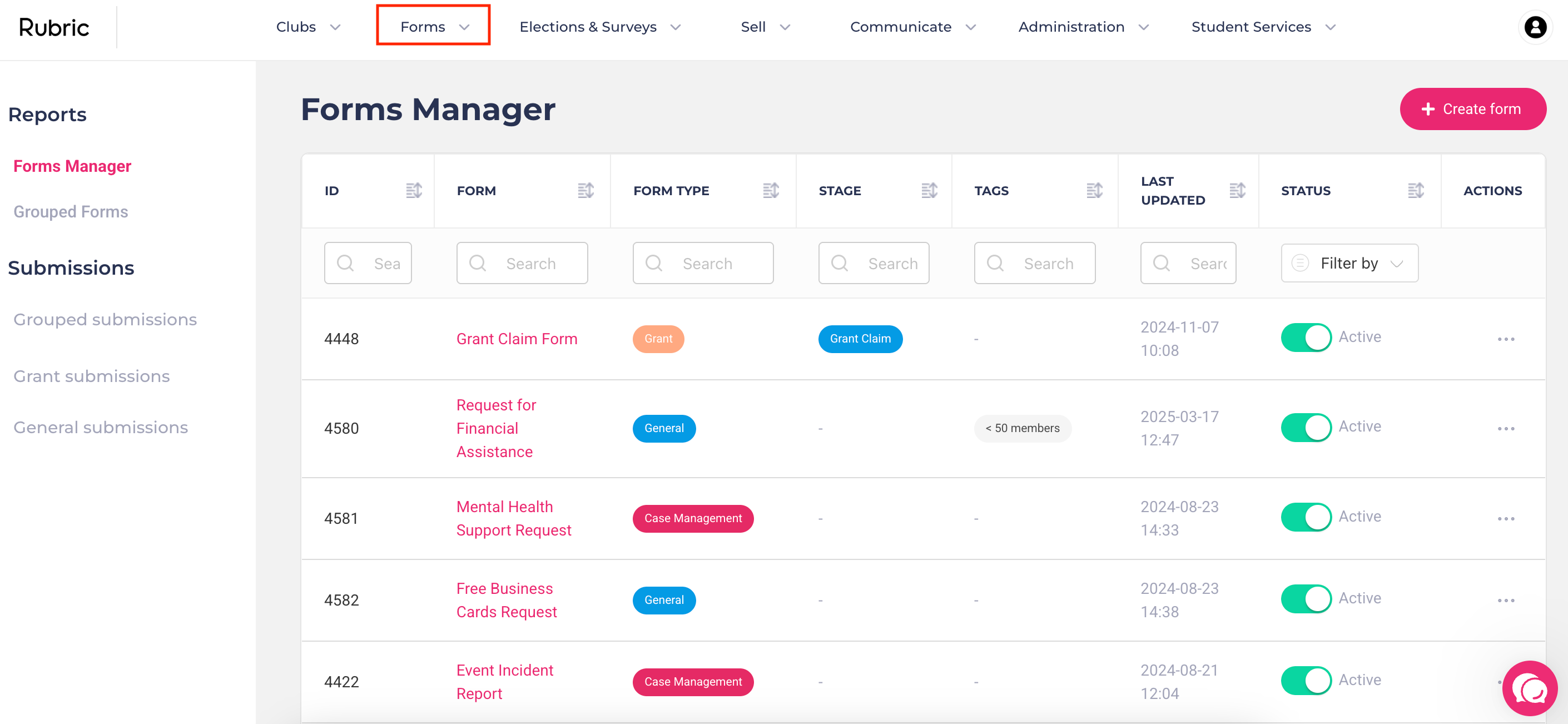
The Forms Manager is where you can create, edit, group, and manage all types of forms across your student organisation. Whether it's for grant applications, case management, or general data collection - it all starts here.
⚠️ Before you start:
Rubric supports different kinds of form-based workflows, and not all of them are managed in the same place:
Affiliation and Reaffiliation forms are created and managed in the Affiliation module (not the Forms Manager) Learn more→
Event Approval forms and questions are managed directly in the Event Approval module. Learn More →
What You Can Do with Forms Manager
From the admin portal, you can:
Create new forms (e.g., standard, funding applications, grant claims). Learn More →
Edit, duplicate, or delete existing forms. Learn More →
Activate or deactivate forms so they’re only visible when needed. Learn More →
Share form links with clubs, students, or staff. Learn More →
Group multiple forms into a single workflow
Enable multi-approval workflows to require review from multiple teams or departments. Learn more →
View and manage form submissions, including approving, rejecting, or archiving responses
Was this helpful?
Still need help? Ask the team